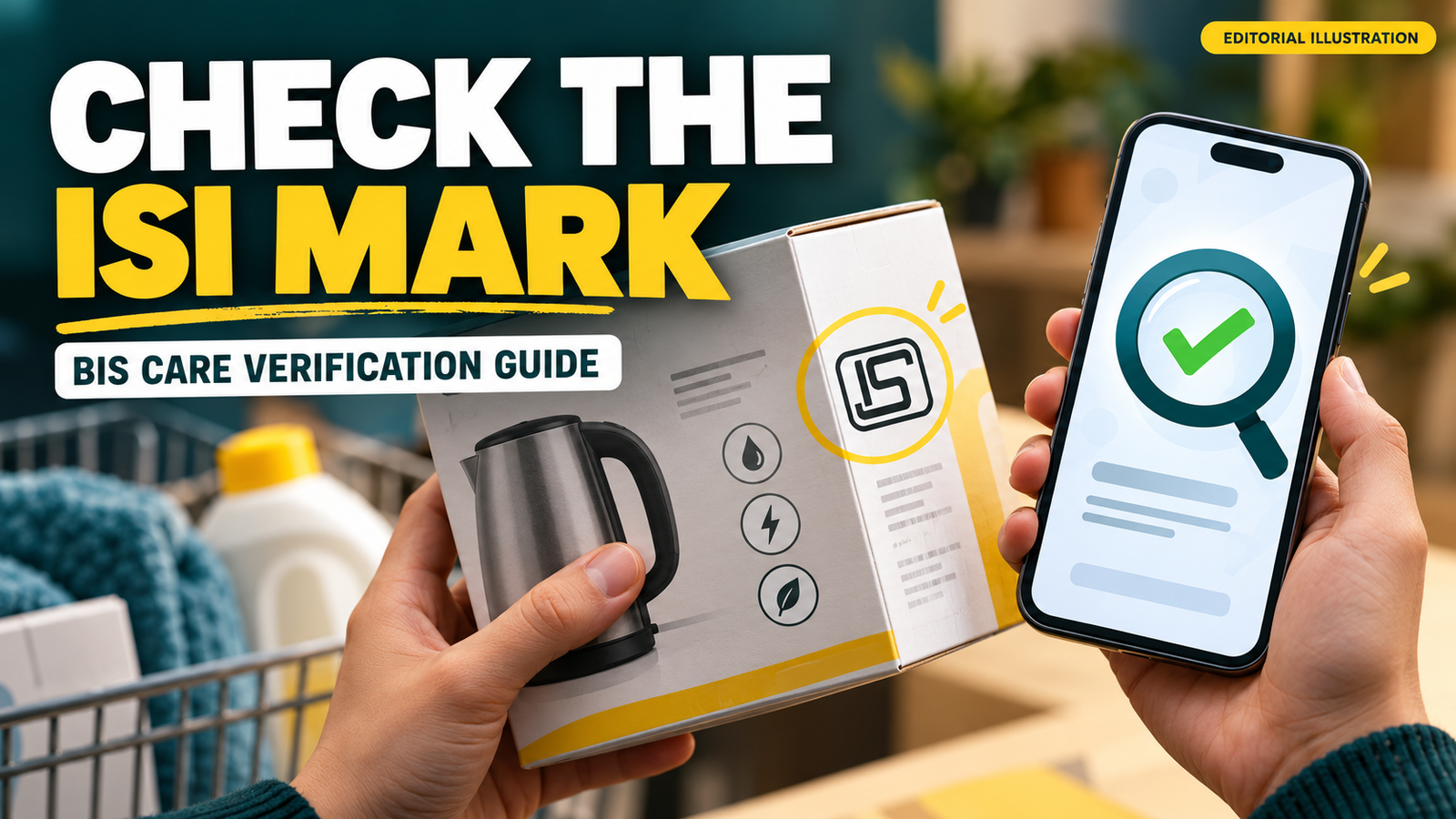
The BIS Care app can help you check the licence record behind an ISI mark. The useful step is to compare the returned manufacturer, licence status and covered product with the item in front of you. A printed logo alone does not establish that those details match.
Checked 28 October 2026 against BIS guidance and its published app information. The examples below are illustrative checks, not findings about a particular product.
BIS Care app: start with the correct identifier
BIS’s official app page identifies Verify Licence Details as the feature for checking products bearing its mark. It separately identifies Verify HUID for hallmarked jewellery.
Choose the function that corresponds to the identifier on the item. An ISI licence number, a jewellery HUID and a CRS registration number are not interchangeable inputs.
Download the application through links associated with BIS or its official store listing. This guide does not ask you to install an unofficial copy or upload an identity document to a forwarded form.
Why the licence details matter today
In a 28 October release, BIS reported a Puri operation concerning unauthorised ISI-mark use on packaged drinking water. The operation occurred on 27 October, and the release described the seizure of 8,295 bottles. Read the BIS enforcement announcement.
That report concerns the use of a certification mark. It should not be rewritten as laboratory proof about every bottle’s contents or as a finding about unrelated manufacturers.
The practical lesson is to inspect the record behind a quality claim. It is not a reason to treat every product in the same category as suspect.
Compare more than the number
BIS’s officially published app listing describes information such as manufacturer details, validity, product varieties, brands and current licence or registration status.
Use those fields as a comparison exercise rather than stopping when a search returns any result.
| Field | Question to ask |
|---|---|
| Manufacturer | Does it match the item’s declared maker? |
| Product scope | Does the licence cover the kind of product being checked? |
| Brand or variety | Does the displayed scope fit the label? |
| Status and validity | What does the current returned record show? |
| Identifier | Was the number entered accurately? |
For example, a result for a different product category needs an explanation even if the number itself exists. A copied number and a correctly matched record are different situations.
Interpret a match carefully
A licence lookup checks information in a record. It is not a physical examination of the particular item you purchased.
Keep other purchase evidence, such as the invoice and packaging. If the label details are inconsistent, preserve them before contacting the seller or BIS.
This distinction is especially useful when a seller responds only by repeating the number. The question is whether the identity, product and status fit together.
Document a clear complaint
The app listing describes a Complaints facility for issues including misuse of marks and misleading quality claims. It says an acknowledgement includes a complaint number for reference.
A concise complaint should identify the item, where it was obtained and the discrepancy observed. Add relevant evidence through the official process without exposing unrelated personal information.
| Evidence | Useful detail |
|---|---|
| Packaging photograph | Identifier and declared manufacturer are legible |
| Purchase record | Seller and transaction can be identified |
| Lookup result | The mismatch or status is visible |
| Short explanation | What was claimed and what you found |
The table is our suggested evidence checklist, not a claim that BIS requires every attachment in every case.
Avoid drawing a wider conclusion than the evidence supports
A lookup error can come from a typing mistake or a technical problem, as well as a substantive mismatch. Recheck the identifier and preserve the actual message before describing a product publicly.
Where the record and item still conflict, ask for clarification through the official route. Do not invent a testing result or legal finding that the record does not establish.
Our critical-thinking guide explains the same principle in a broader setting: separate an observation from the conclusion you infer.
Make the check traceable
Keep the product identifier, the lookup result and the purchase evidence together. That makes a seller enquiry or official complaint easier to understand.
The strongest consumer check combines a legible identifier with matching details and a preserved record. Treat the app as a verification aid, while keeping its limits clear.
Featured image: AI-generated editorial illustration, not an official document, app screenshot or photograph of an actual event.