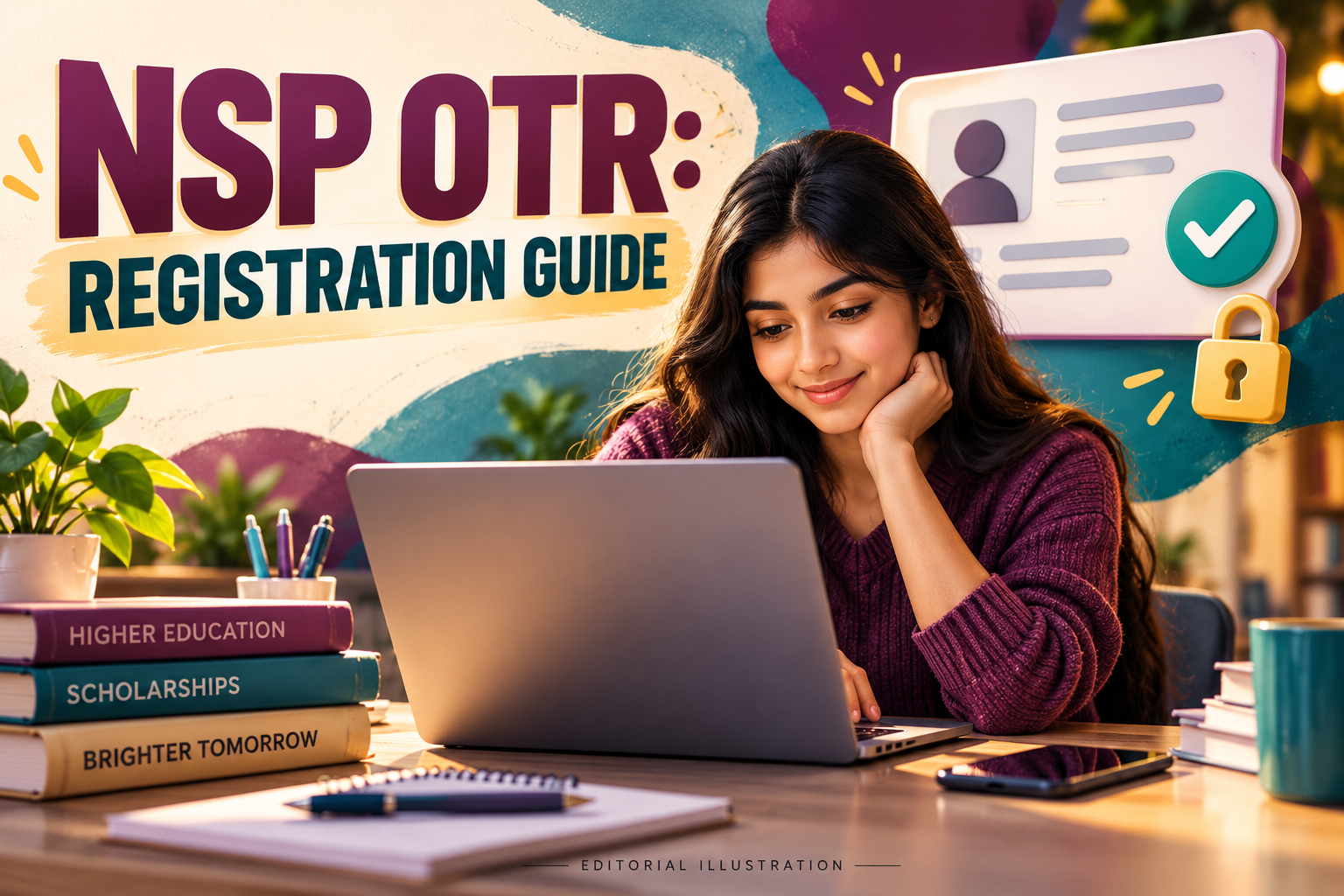
NSP OTR Registration 2026 creates the identity used to apply for scholarships on the National Scholarship Portal. It does not, by itself, submit a scholarship application or confirm an award.
The official NSP student page describes OTR as a unique 14-digit number based on Aadhaar or Aadhaar Enrolment ID, valid for the student’s academic career. This guide separates registration, application and status checks so that a student can identify the stage that needs attention.
NSP OTR Registration 2026: identify your stage
| What you currently have | Next check |
|---|---|
| No OTR yet | Follow the official registration instructions |
| A reference number during registration | Complete the instructed authentication process |
| An OTR ID | Use the scholarship application login |
| A saved application draft | Check whether final submission is complete |
| A submitted application | Follow its verification and status messages |
| A payment question | Use the official payment-tracking route when applicable |
Avoid starting over before checking which stage you reached. A second attempt can make your own records harder to follow if the first registration or application already exists.
Start from the official student area
Open scholarships.gov.in and choose the student service you need. Its student page separates OTR access from the login used to fill or check fresh and renewal scholarship applications.
The linked OTR registration service is the appropriate starting point for that registration process. Follow the current on-screen instructions and use official app links provided by the portal rather than a lookalike registration advertisement.
Keep a private record of the identifier issued and the stage reached. A parent or school contact can help review instructions, but authentication codes and passwords should remain under the account holder’s control.
Check face-authentication errors methodically
The NSP announcements advise users encountering error 904 during face authentication to update UIDAI’s AadhaarFaceRD app. They also explain that locked Aadhaar biometrics can prevent the authentication required for OTR.
If an authentication attempt fails, record the exact error before changing anything. Check the portal’s current advice, the relevant app update and your own biometric-lock status instead of repeatedly submitting the same attempt without knowing what changed.
Use UIDAI’s official biometric-lock guidance if that is the issue. UIDAI distinguishes temporary unlocking from disabling the locking system; understand the choice and restore your preferred protection after completing the legitimate task.
Treat scholarship submission as a separate task
Once you can use your OTR, check the academic year, scheme, fresh-or-renewal route and eligibility before filling an application. The registration identity can be valid while a particular scholarship is closed or has conditions you do not meet.
Our NMMSS deadline update covers one current scheme announcement. Its dates should not be transferred to another scholarship listed on NSP.
Review the completed application against your records, then retain the final acknowledgement. A screenshot of the OTR page or a saved form draft does not establish that the scholarship application was submitted.
Distinguish verification from payment
The student page provides application access and a separate route to PFMS payment tracking. Use the service appropriate to the stage shown in your application record, rather than treating every pending case as a banking problem.
For a school or institute query, give the academic year, scheme, application reference and exact status message. For a technical query, add the step that failed and the time, while removing unnecessary personal details from any screenshot.
Keep a simple history of the action taken and response received. That helps you avoid sending contradictory explanations if the case moves from a registration problem to an application-verification question.
Get help without surrendering account access
If you need assistance, use the support route linked by NSP or ask your institution’s scholarship contact to explain the stage. Confirm any charge or service arrangement before handing documents to an intermediary.
Store the final application and relevant receipts in a protected folder. Our data-backup guide explains how to keep a recoverable copy without relying on a single device.
End each session knowing what is complete and what remains pending. That small record is often more useful than a collection of screenshots with no scheme name, date or explanation.
Checked on 31 October 2026. Cover image: AI-generated editorial illustration; no real identity record or portal screen is shown.